
A lightweight, distraction-free writing experience with real-time preview. Built entirely with AI.
📝 MkDocs-Ready Perfect for editing MkDocs docs with admonitions, Mermaid & PlantUML diagrams, KaTeX math & advanced tables
This project was entirely built with AI coding assistants. Every line of code was generated, reviewed, and refined through AI collaboration.
GLM Model
Kimi Model
Export an opened docs folder as a ready-to-deploy static site — mkdocs-style navigation, rewritten cross-page links, and light/dark toggle, with zero external dependencies. Config-aware: mkdocs.yml nav / docs_dir / exclude_docs drive the export, with best-effort VuePress support.
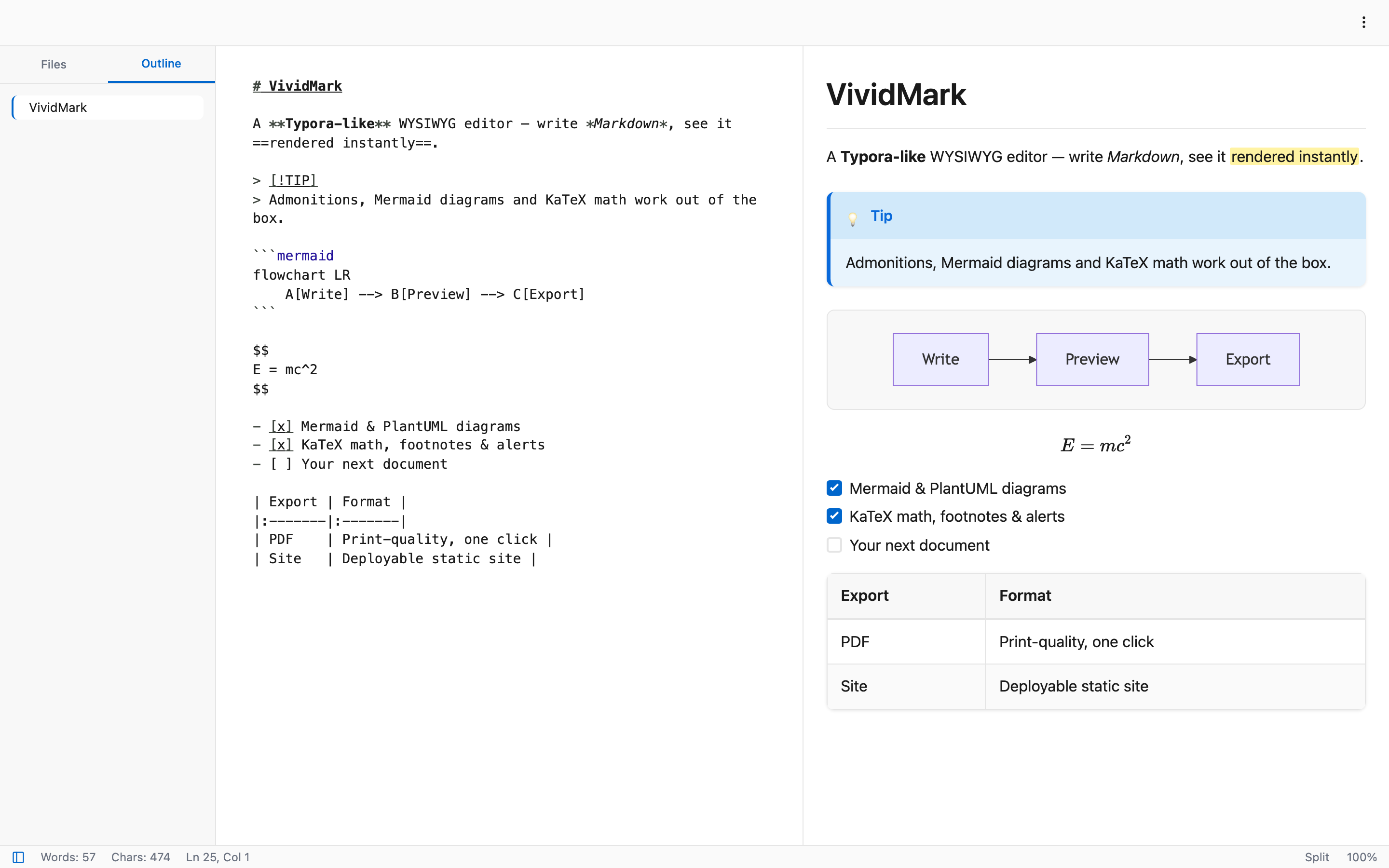
WYSIWYG, Source, Preview, and Split view with sync scrolling for flexible editing.
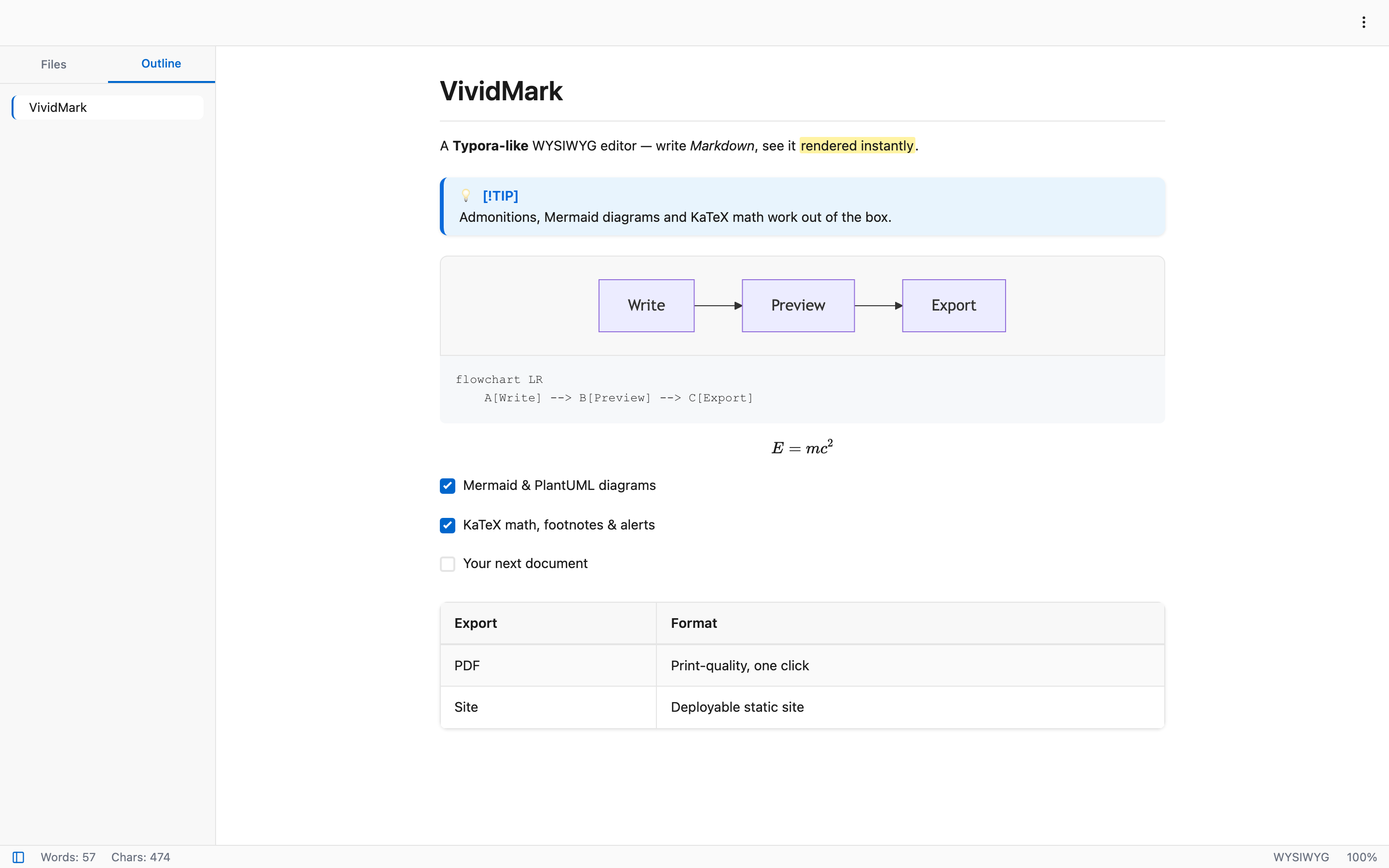
See your formatted Markdown instantly as you type.
Beautiful code highlighting powered by highlight.js.
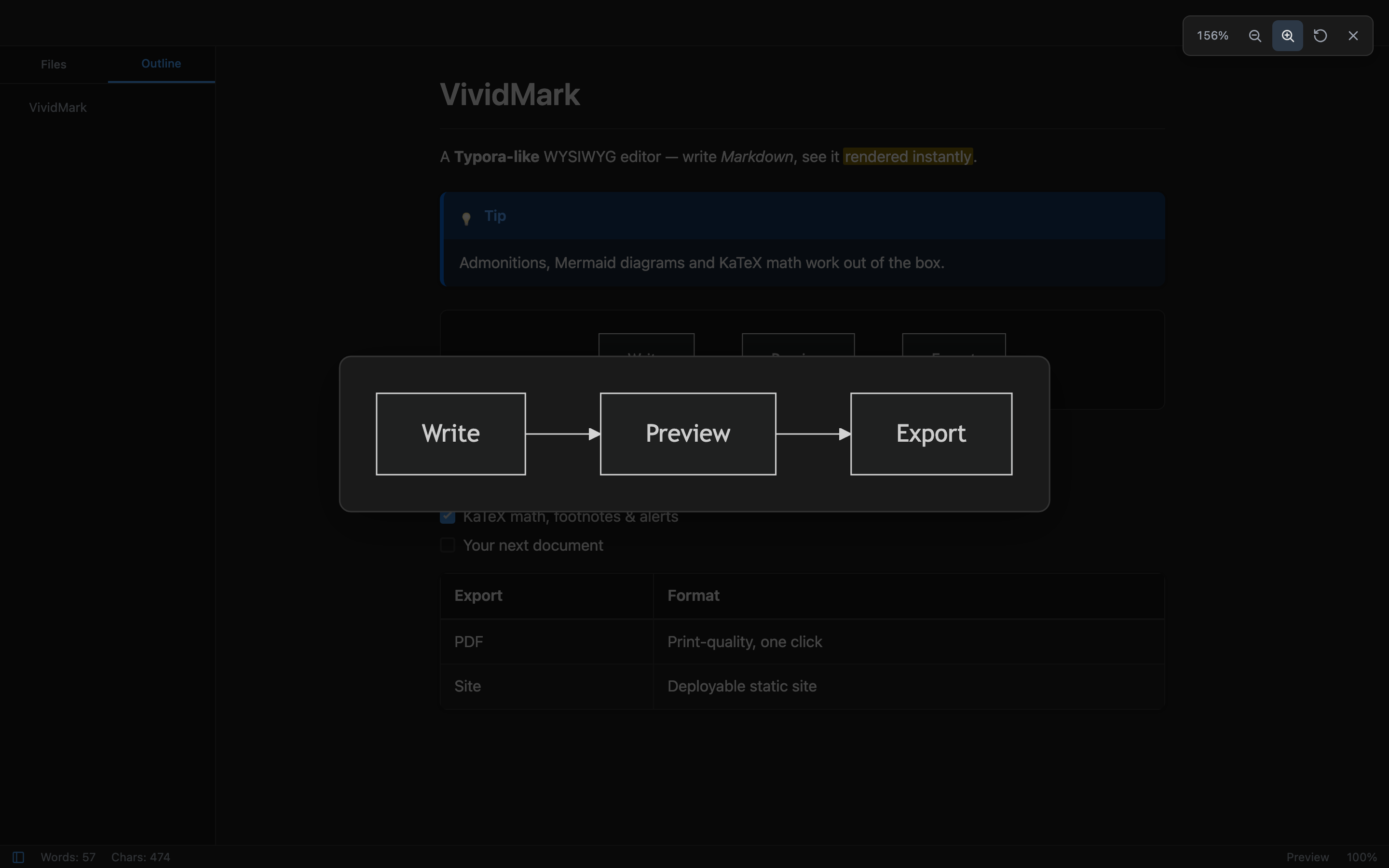
Flowcharts, sequence diagrams, Gantt charts and UML rendered offline by the bundled engines — lazily loaded, dark-mode aware, inlined as SVG in PDF/site exports. Click any diagram or image to inspect it in the fullscreen zoom viewer.
Open, save, and manage Markdown files with native system dialogs.
Automatic saving after 2 seconds of inactivity.
Full history support with keyboard shortcuts.
Tables, admonitions (& GitHub Alerts), footnotes, KaTeX math, ==highlight==, ^superscript^, ~subscript~, emoji shortcodes, and YAML frontmatter — round-trip safe in WYSIWYG.
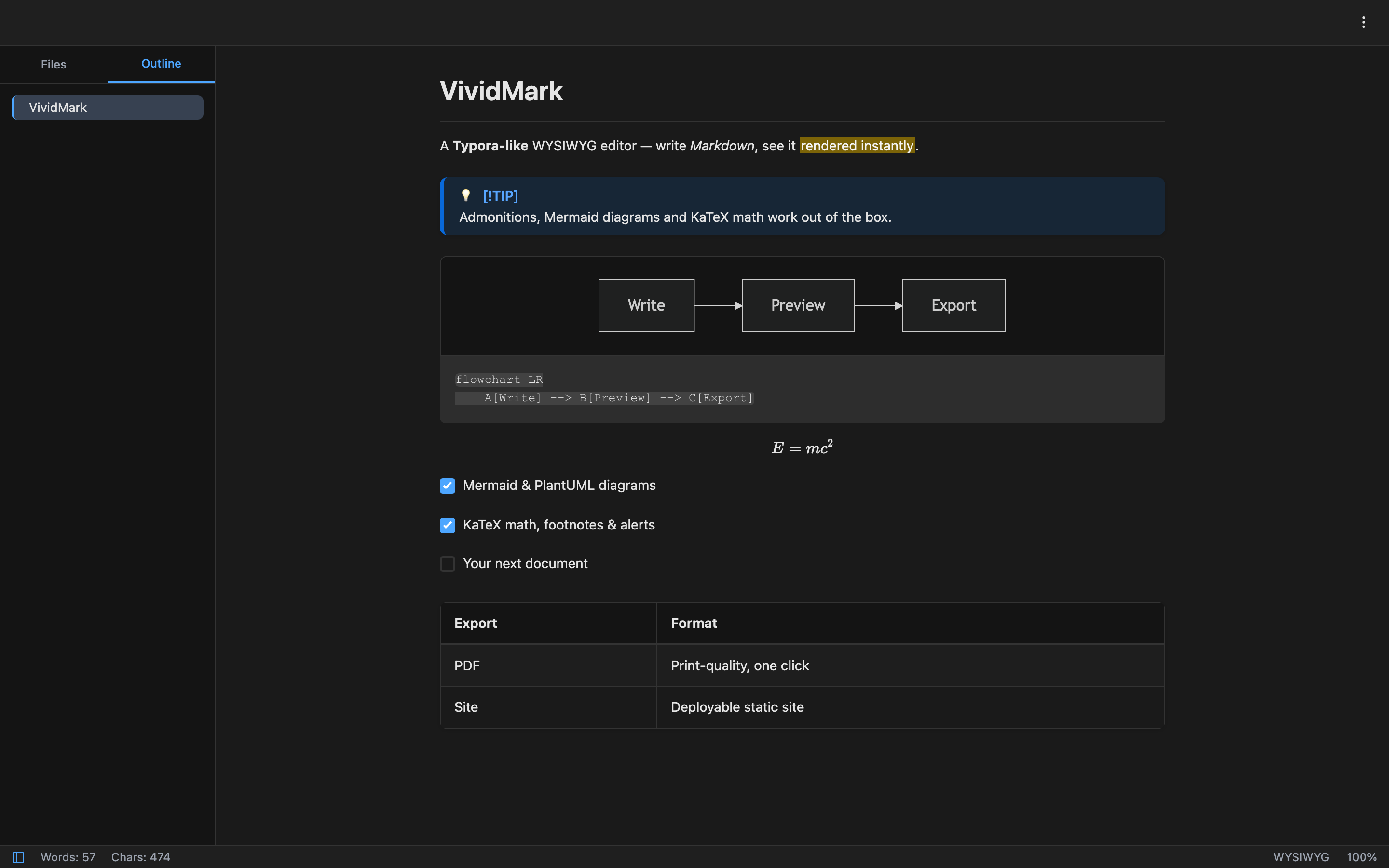
Light, dark, or auto (follows system) themes for comfortable writing.
File tree with search and create/rename/delete, plus a collapsible outline that follows your cursor.
Typora-style SDI: one window per document, with smart routing that focuses an already-open file.